Digital Signage Studio
Mocking-Board
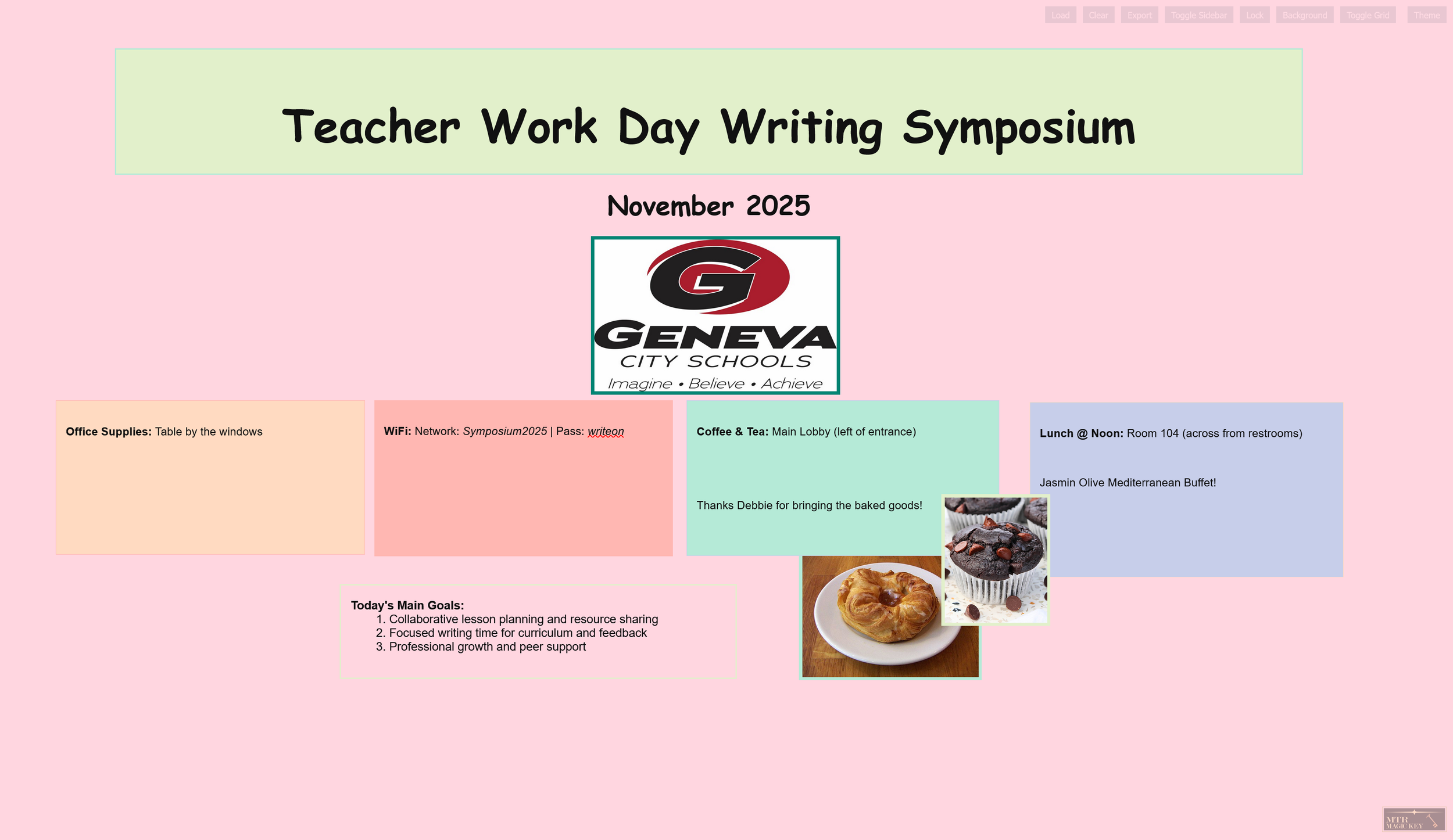
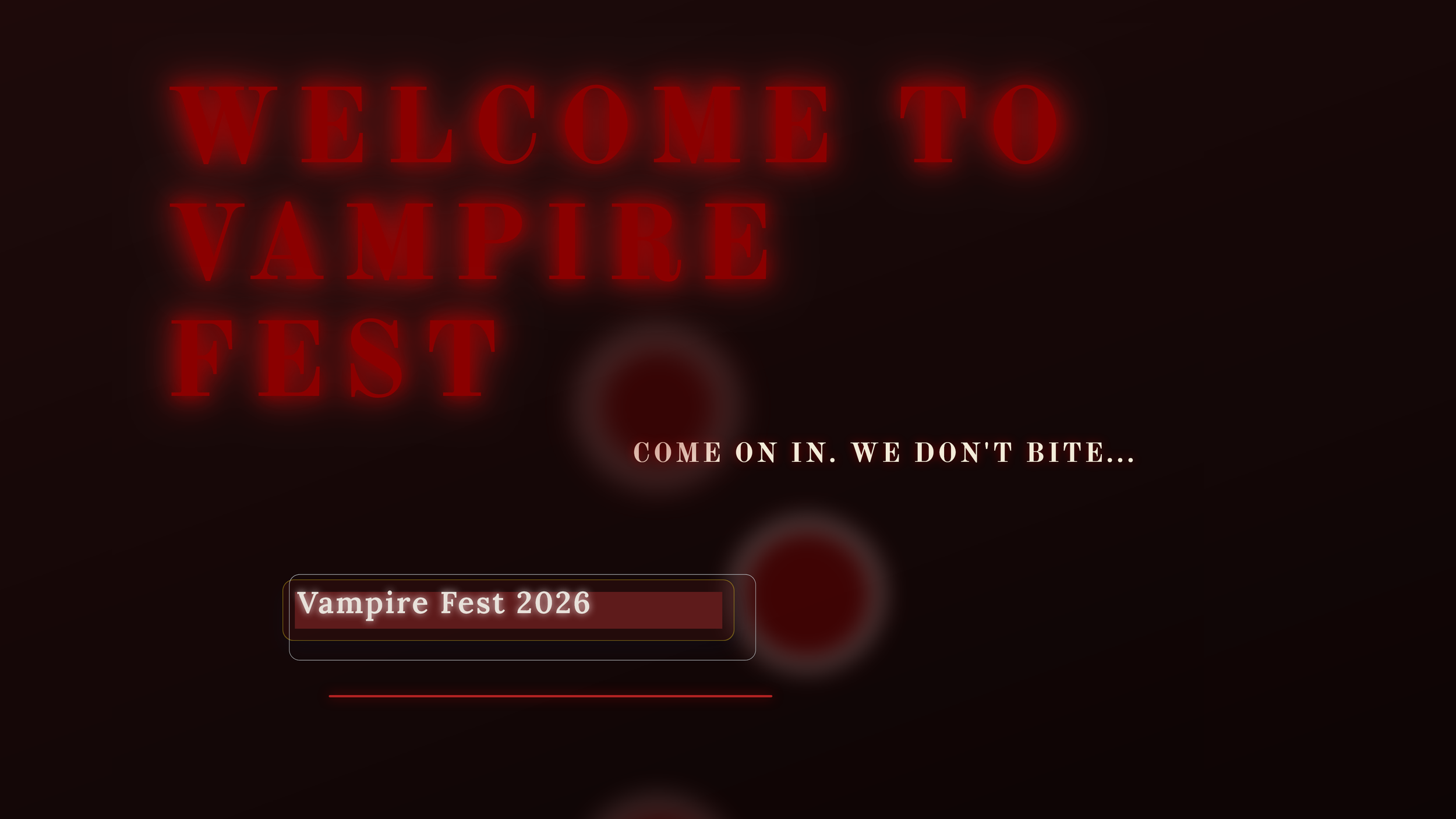
Design, animate, and present signage and storyboards in minutes. Fast edits. Smooth playback. Zero install.
Mode
Present-first signage
Frames
Multi-frame playback
Setup
Local-first JSON
Why teams use it
Mocking-Board blends signage design, storyboarding, and quick UI sketching into one browser-based canvas. Build multi-frame sequences, tweak visuals live, and present in fullscreen with a single click.
Core capabilities
Create Signage for You
AI-assisted signage generation to kickstart layouts.
AI-assisted signage generation to kickstart layouts.
Drag, resize, rotate
Full edit control with inline text tools and context menus.
Full edit control with inline text tools and context menus.
Gradients and motion
Linear, radial, and conic gradients with animation presets.
Linear, radial, and conic gradients with animation presets.
Templates and library
Start from built-in templates or add preset blocks.
Start from built-in templates or add preset blocks.
Present mode
Fullscreen playback with per-frame timing controls.
Fullscreen playback with per-frame timing controls.
Import and export
JSON-based saves that keep animation state intact.
JSON-based saves that keep animation state intact.
Why it rocks
You can ship a polished sign in minutes: generate a layout, tweak copy and color, then present fullscreen with smooth playback.
It is fast, visual, and focused on results. No installs, no exports to PowerPoint, just sign-ready frames.
How it works
- Start from AI signage or add elements manually.
- Customize text, color, gradients, and animations.
- Add frames and set timing for playback.
- Present fullscreen or export JSON for later.
Free. Forever.